PassFab for PDF
Your Reliable PDF Unlocker & Remover
- Open password protected PDF files, no matter how complex the password is.
- 3 password attack types using the latest decryption algorithm, making password recovery easier and faster than ever before.
- Support all versions of Adobe Acrobat (including latest Acrobat 10.0) and any other PDF applications.
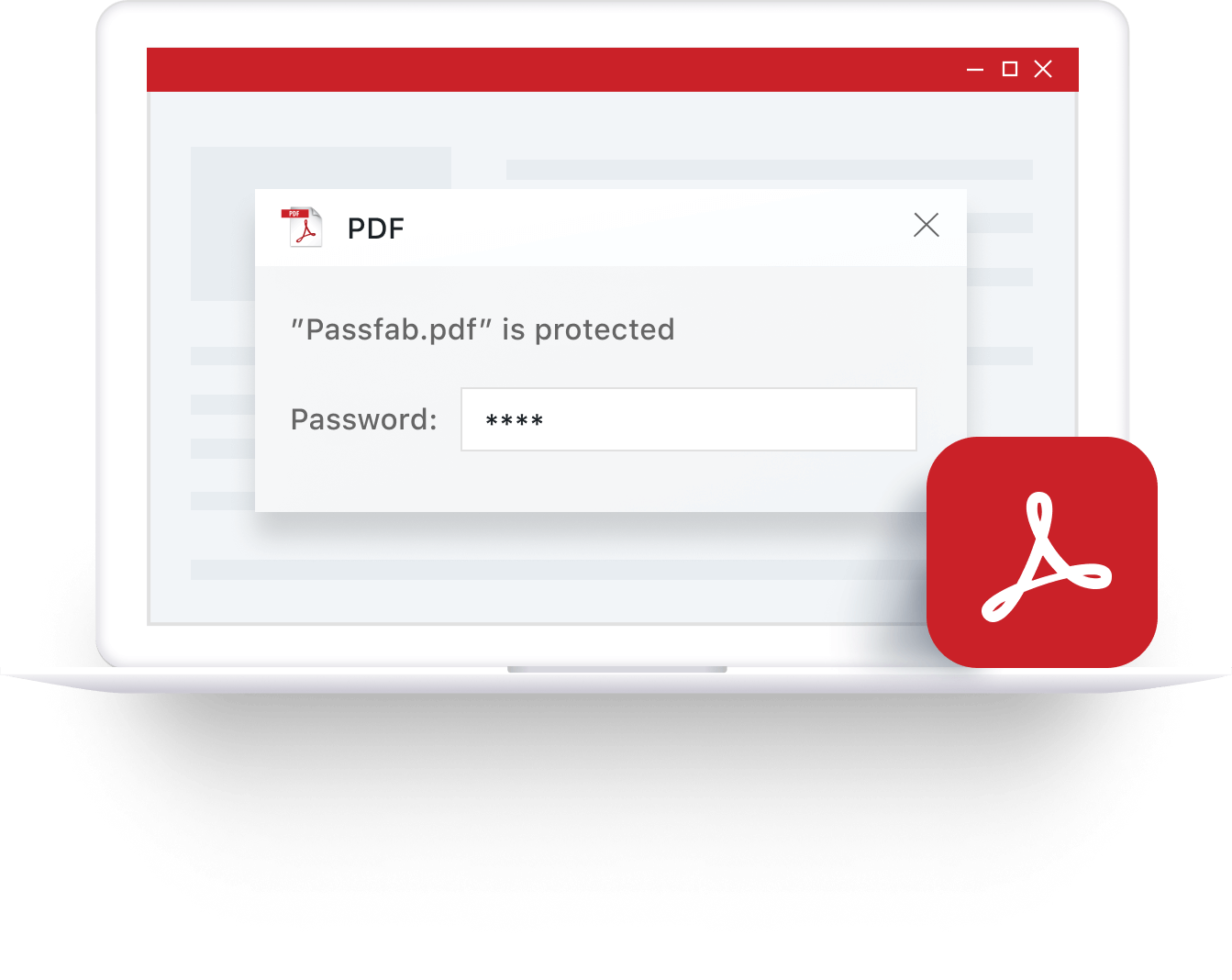
100% Decrypt PDF User Password
Forgot PDF password and don't know how to open password protected PDF? PassFab for PDF will accurately find your lost or forgotten PDF user password back. Moreover, you can use it to remove PDF restrictions on editing, copying, printing and more. Support a wide range of encryption algorithms, including:
- latest 256-bit AES
- 128-bit RC4 R
- 128-bit AES
- 40-bit RC4
Faster Password Recovery,No Data Damage
Our unique advanced algorithm makes password recovery easier than ever before, no matter what types of characters or symbols your ZIP password contains, and no matter how long and how complex your password is.

Dictionary Attack
Quickly find the password from inbuilt or our customized dictionary.

Brute-force with Mask Attack
Use this attack if you remember your password range and length.

Brute-force Attack
Quickly find the password from inbuilt or our customized dictionary.
High-Speed Recovery Empowered
- Boost search speeds up to 40 times faster with powerful built-in new search algorithms and advanced technology, recovery time will be greatly shortened.
- After restoring, resetting and removing the password, all your data keeps intact.

3 Steps to Recover PDF Open Password
Simply get lost original PDF password back within only three steps. Efficiently open and edit password-protected PDF documents whenever you lost or can't remember it.
1. Import Locked PDF File

2. Select Password Attack Mode
3. Find Your PDF Password
1. Import Locked PDF File
2. Select Password Attack Mode
3. Find Your PDF Password
Why Choose PassFab?

10 Years
Experience

30 Days
Money Back Guarantee

100% Security
Purchase via 256-bit SSL

Tech Support
Online for free
PassFab for PDF
Unlock PDF password and get access to the files with ease.
Based on 510 customers review
FAQs for PassFab for PDF
A1: Yes. PassFab for PDF doesn't contain any viruses, malware or spyware. Both the trial version and full version are safe to download, install, and use.
A2: PassFab for PDF supports most versions of PDF files with the .pdf extension.
A3: No. PassFab for PDF only works on Windows 11/10/8.1/8/7/Vista/XP. If you're interested in the Mac version, feel free to send us feedback.
A4: Not yet. PassFab for PDF recovers PDF open password. If you want to support unprotecting PDF files, please contact us.
A5: PassFab for PDF is easy and safe to use. More importantly, PassFab for PDF won't cause data loss and never collects your info on our server end.
A6: Currently this product does not support GPU acceleration. If you need it, please submit feedback for us, this feature may be added in a future version.